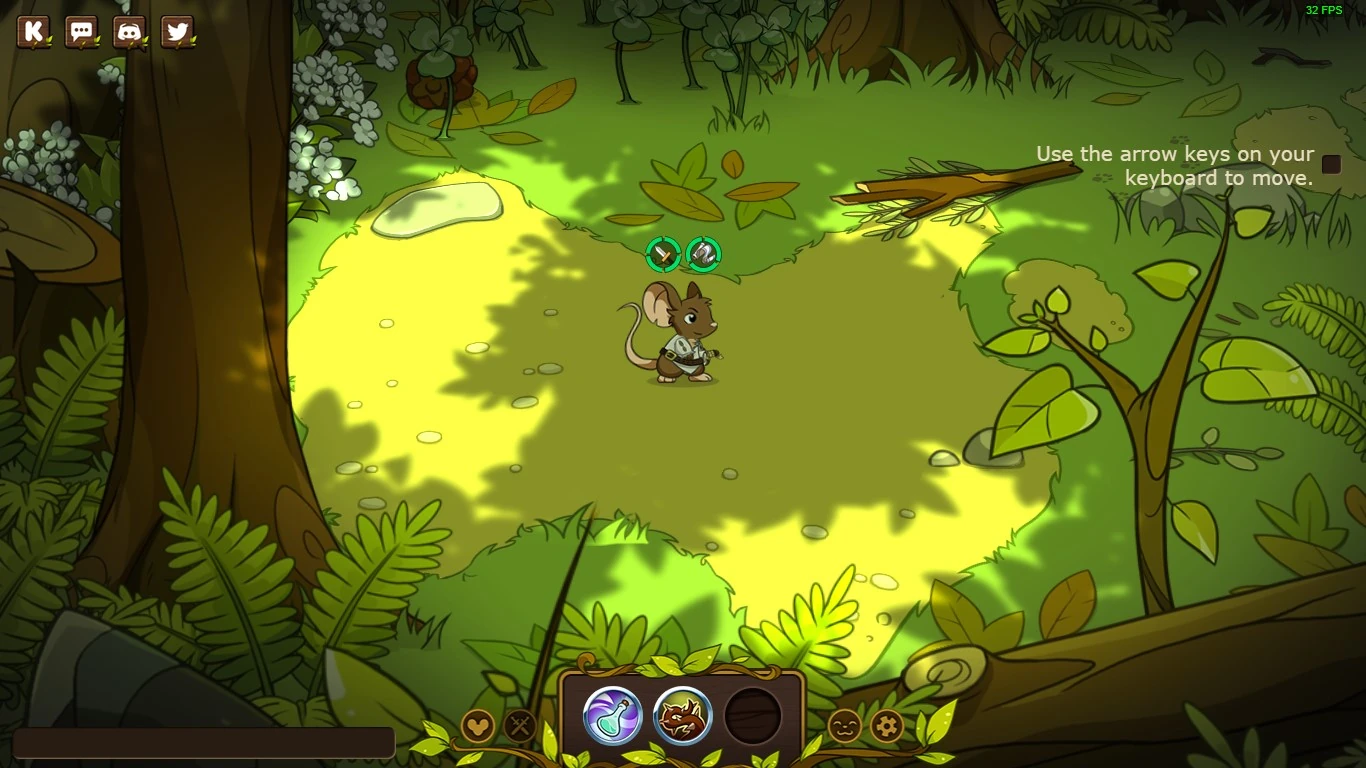

When a new player joins, they are greeted with the tutorial.
Transformice Adventures is a dungeon-style combat game that features items, Pets, and Jobs which will help you in defeating enemies.
In the game's tutorial you are taught the basic game mechanics (movement, attack, using abilities and reviving allies). At the end of the tutorial, you are greeted by Papaille before being moved in the village.
"Heya buddy! Where are ya heading? I can give ya a ride back to the Mice Village if you want!"
Game basics
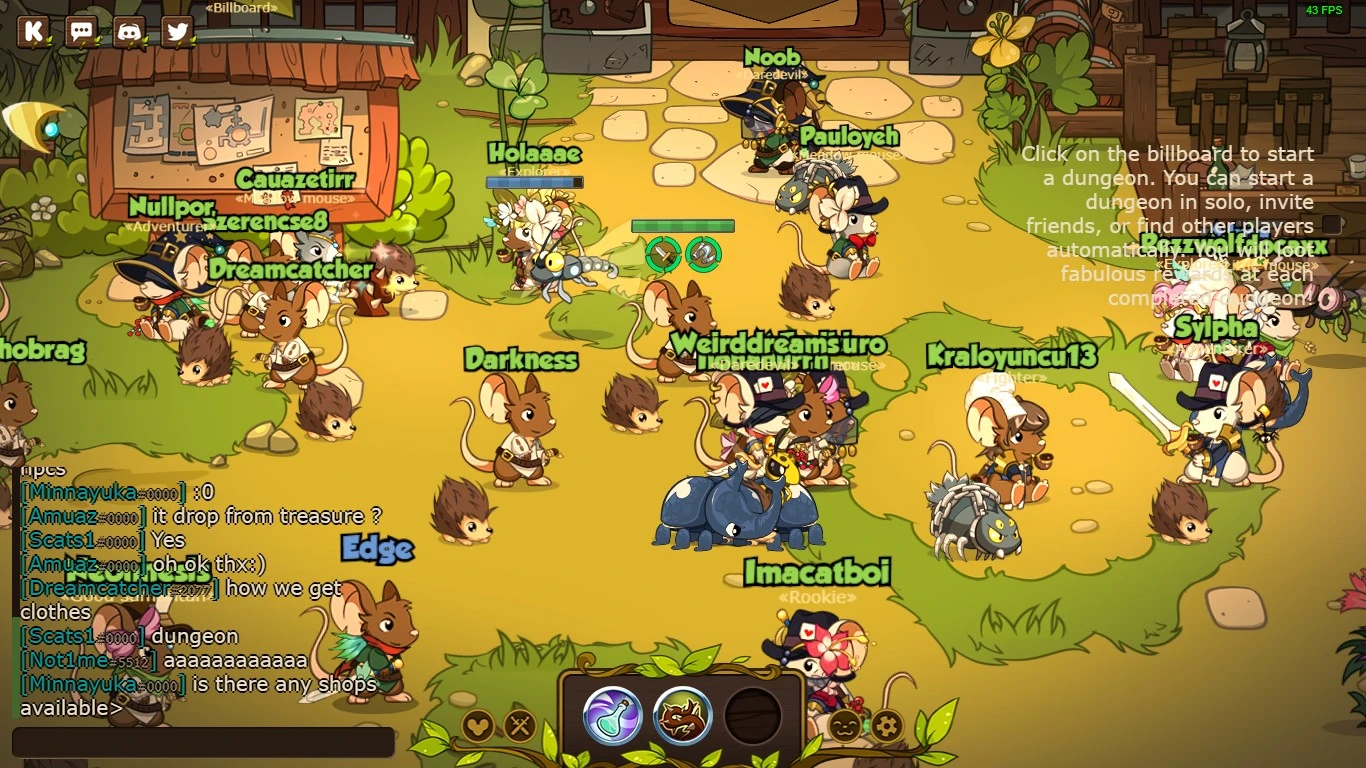

The spawn zone.
Every time you spawn you will be put in the Spawn Zone, located in the left side of the village.
Joining/Creating a dungeon
Getting equipment (like furs, hats and weapons) and levels is possible by joining or creating a dungeon. The game will instruct you to click on the billboard (it's in the upper left side of the Spawn Zone), thus opening the dungeon screen. You can also click on the button right beside the abilities bar that represents two crossing swords (⚔).
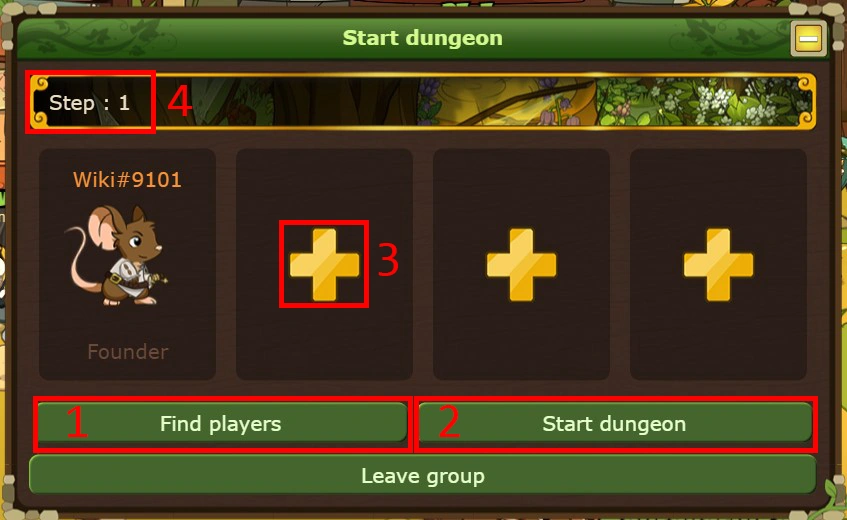

The dungeon screen.
The dungeon screen has 4 actions (refer to the numbered image):
- Find players: the game will search for players that are on the same Step as you and your teammates.
- Start dungeon: you will immediately prompt the game to start the dungeon if you don't want to search for other players (works alone and with teammates).
- "+" sign: invite a player to join you.
- Step: a number indicating the Step/Level of your dungeon. Steps represent the difficulty of the dungeon, higher steps giving you more items. To advance to the next step you must finish the current step, keeping all your powers you previously had. If you lose a step, you will be reset back to step 1, losing all the powers you had. You cannot change weapons/abilities between steps, requiring you to either lose or finish the last step. Currently, step 3 is the last step, giving you 3 items.
Abilities/Jobs
The first time you enter you will be a Botanist. The Chef job is also unlocked, giving you the option to change your starting abilities.
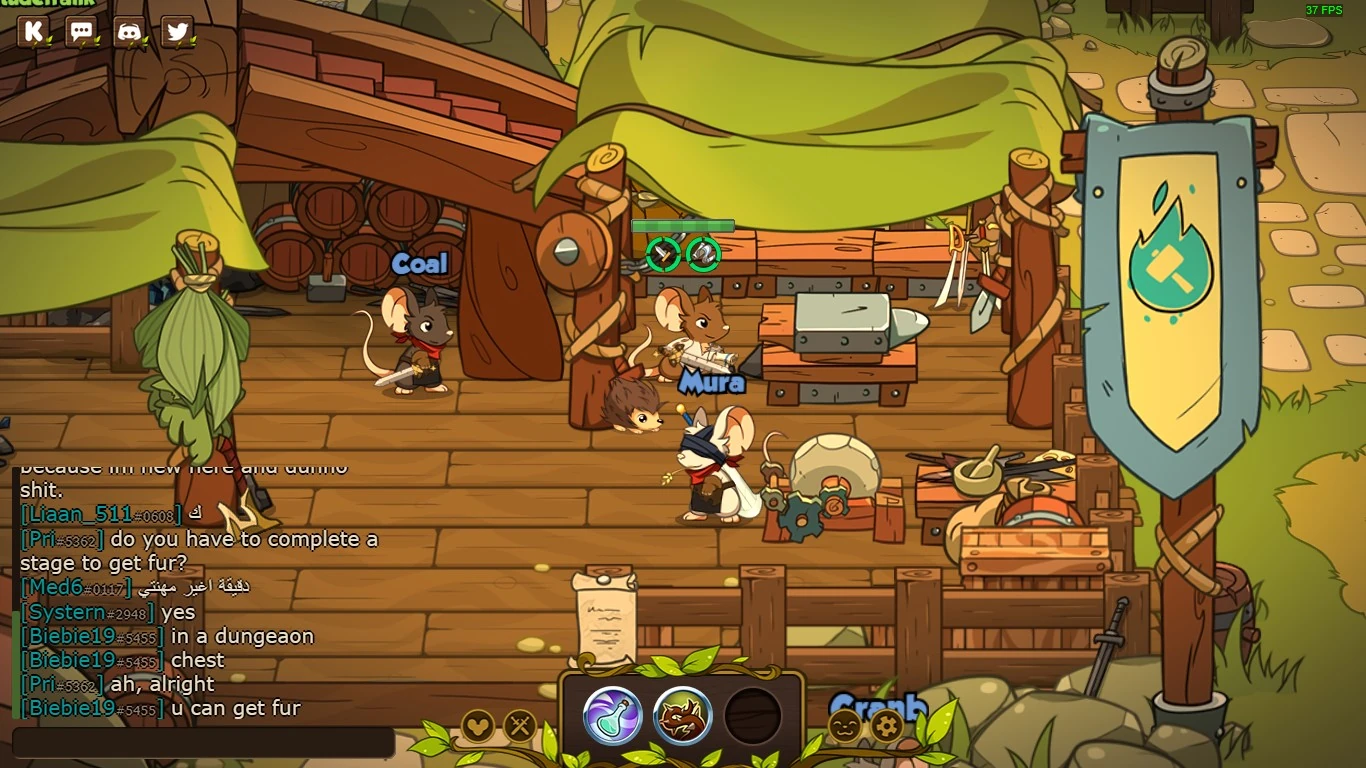

The blacksmith forge, the place where Mura stays.
To change your Job you must talk to Mura. You can find him by going right from the Spawn Zone then going down when you see a blacksmith forge. Changing a job is easy: you only need to press "Edit" and then press "Choose" to choose the job you want.
At level 10 you will be able to have a Secondary job, giving you the ability to use the third slot. Getting a Secondary job can be done by talking to Mura.
Equipment/Appearance
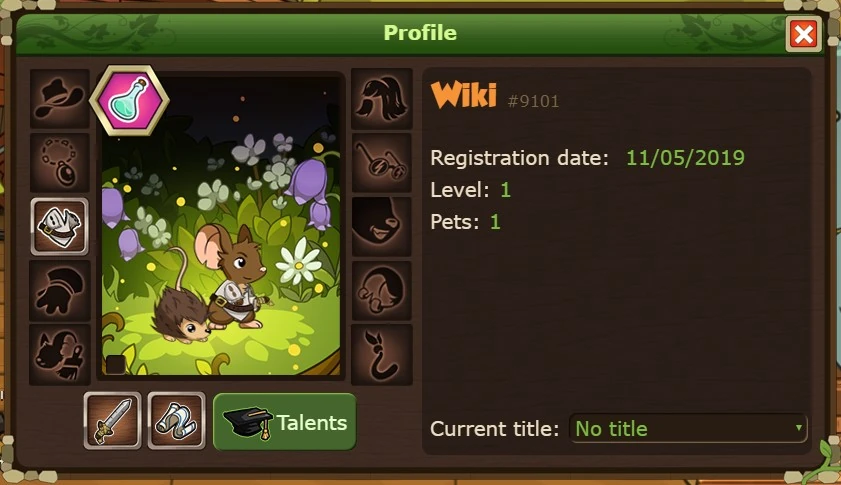

To change your appearance or weapons you must click the button right to the chat that has an icon of a mouse head. (🐭)
This is your profile. Here you can choose your weapons, clothes, title and talents. You can also tick the box (☐) that is in the bottom left corner of the picture of your mouse to be a female mouse.
When you get new equipment, you can simply equip it by choosing the item and then pressing "Submit".